Gadgets

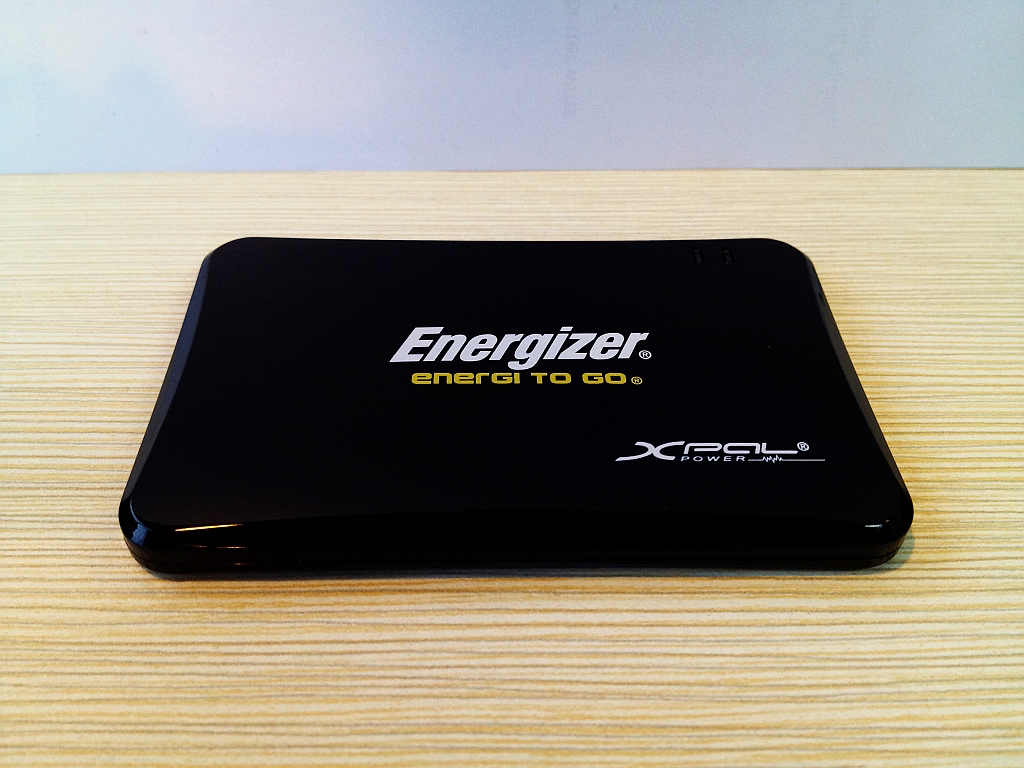
Energizer XP1000

My usage pattern (heavy mobile browsing, moderate SMS, and some calls) coupled with Smart’s poor 3G network coverage results in dismal battery performance of my iPhone 4S. Despite my best efforts, standby is at only 20 hours with usage of around 4 hours and that already includes my sleeping time. Fully charged in the morning, I get up to12-14 hours of standby before I need to recharge. Usually, I’m back home by then. But that means I have a problem when I’m away for more than half the day.

My solution is the Energizer XP1000. It is a small (about the size of 1/3 a deck of cards) and light emergency charger and backup battery. It has a “universal” charging cable that allows you to charge the XP1000 via a USB port and charge different devices by attaching different tips  or connectors for different standards/devices. The package includes tips for mini-USB, micro-USB, iPhone/iPod, and Nokia.

The XP1000 specifications claims it stores a charge for a year, can be recharged up to 500 times, and is rated at 1000mAh. It charges my iPhone 4S from almost empty to just over 50% in around 2 hours. Not bad. That should give me an extra 6-7 hours of standby and a corresponding amount of usage. My only quibble is that the universal charging cable makes carrying the XP1000 around in your pocket a bit less convenient. But it’s not a problem if you have a gadget bag.

Rating: 4/5
LG Optimus Black Blues

I was really bored and couldn’t sleep so I figured, why not try the recently released Temple Run for Android on  my test Android phone, a SIM-less LG Optimus Black. So I booted up, joined my home WiFi network, opened Android Market Google Play, and searched for “Temple Run”. No connection. I retried. Still no connection. I checked the browser and other network apps and they seemed to be working fine. Only Google Play was not working. It seems it requires a data connection even if I’m already on WiFi.

I figured, maybe it’s an Android 2.2 Frozen Yogurt problem. The Android 2.3 Gingerbread update has supposedly been made available by LG so I figured maybe it’s time I should upgrade. I went to the LG website and found out that there is an unspecified, hopefully Android 2.3, update available. But I needed to download a Windows USB driver and a Windows update manager. Unfortunately, I have no Windows machine. Dead end. I guess I shouldn’t be complaining about the iPhone being reliant on iTunes :P

UPDATE: Turns out it’s the time and date. I just set it to current and Google Play worked. Go figure.

Buffalo MiniStation Stealth

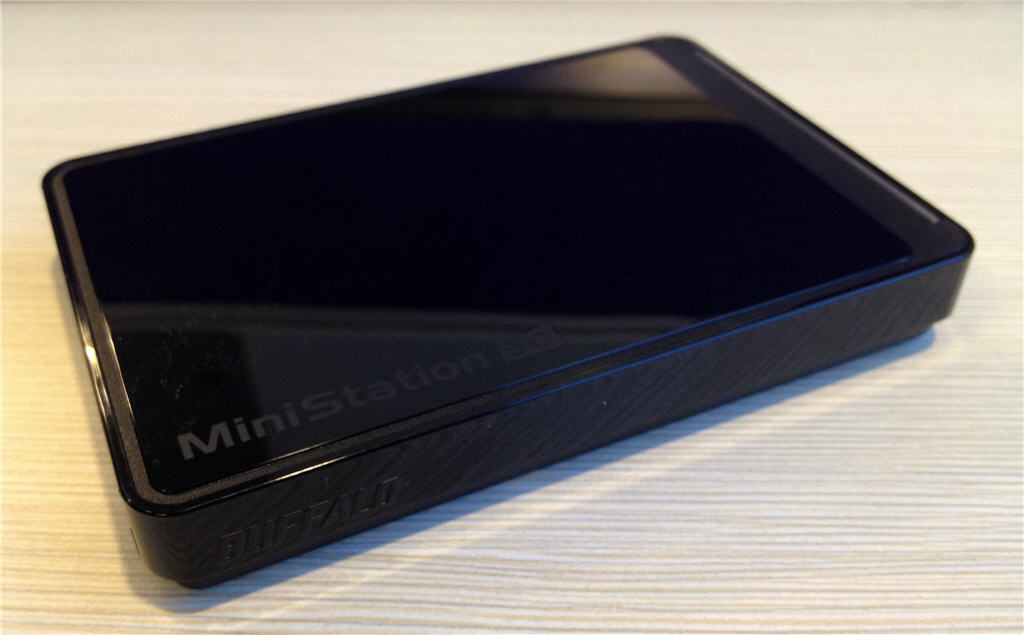
For file transport duties, far I was able to make do with my not-so-portable Buffalo DriveStation. However, I recently hooked up the Drivestation to my LinkStation Live as storage expansion so I need another portable drive for file transport duties. But I don’t usually transport files much since the advent of, you know, the Internet. But it so happened that Michelle also needed to backup her files since she’s going to be getting a new laptop. So we got a Buffalo MiniStation Stealth. It’s nothing unusual, just your run-of-the-mill 1TB USB 3.0 portable hard drive. The interesting thing, at least to me, is that this is my 4th (5th if you count the now-replaced LinkStation Pro) Buffalo product to date. I even jokingly asked the sales clerk if they have a loyalty card for Buffalo.

Why The New iPad Matters

A lot of people were disappointed with the new iPad. And I can understand why. Personally, I wouldn’t get one because of how I use the iPad. Or rather how I don’t use the iPad, Jeanne uses it more. But I’m not disappointed. Not at all. In fact, I find Apple tablet strategy brilliant.

Most of the disappointment focuses on the new iPad being an Apple product (can’t say anything about that) or on the hardware specifications. What does the Retina display matter? But it does, as you will see later. Why only a quad-core GPU update? But really why go quad-core CPU when the main bottleneck is the graphics? And so it goes.

But Apple’s tablet strategy is not just about hardware, it is a synergy of both hardware, the new iPad, and software.

To full appreciate this, go back to earlier this year when Apple announced iBooks 2 for iPad. With it, the iPad became a serious and fully Apple-supported platform for educational use. Then on to the new iPad launch where the new iPad was, of course, the star of the show. It overshadowed the release of new versions of iWork, iPhoto, iMovie, and Garage Band. But all these recently launched applications are as important because with them the current iPad becomes more useful.

But running all these applications (except maybe Garage Band) on the new iPad, with its Retina display, will be awesome. Books, documents, photos, and movies look sharper and you get an improved perspective, literally. Probably even get a productivity boost. To some of us, these things matter.

Sure, Apple would love current iPad 2 users to upgrade. But current iPad 2 users are not their primary target. Immediately lowering the price of the current iPad 2 stimulated sales and mitigated the new product effect where customers delay purchases  because of the announcement of a newer, better version. But it also made it harder to upgrade (i.e. the potential selling price of used iPads became lower and thus making the cost of upgrading higher).

Clearly, the new iPad is targeted more at those who haven’t bought iPads yet, those sitting on the fence just waiting for a little nudge, and those who have the original iPad. And because of the retained price points, instead of buying secondhand iPads they will buy the new iPad directly from Apple.

For Apple, the new iPad matters because it furthers their tablet strategy and puts momentum towards the continuity of iPad sales.

Resolutionary: The New iPad

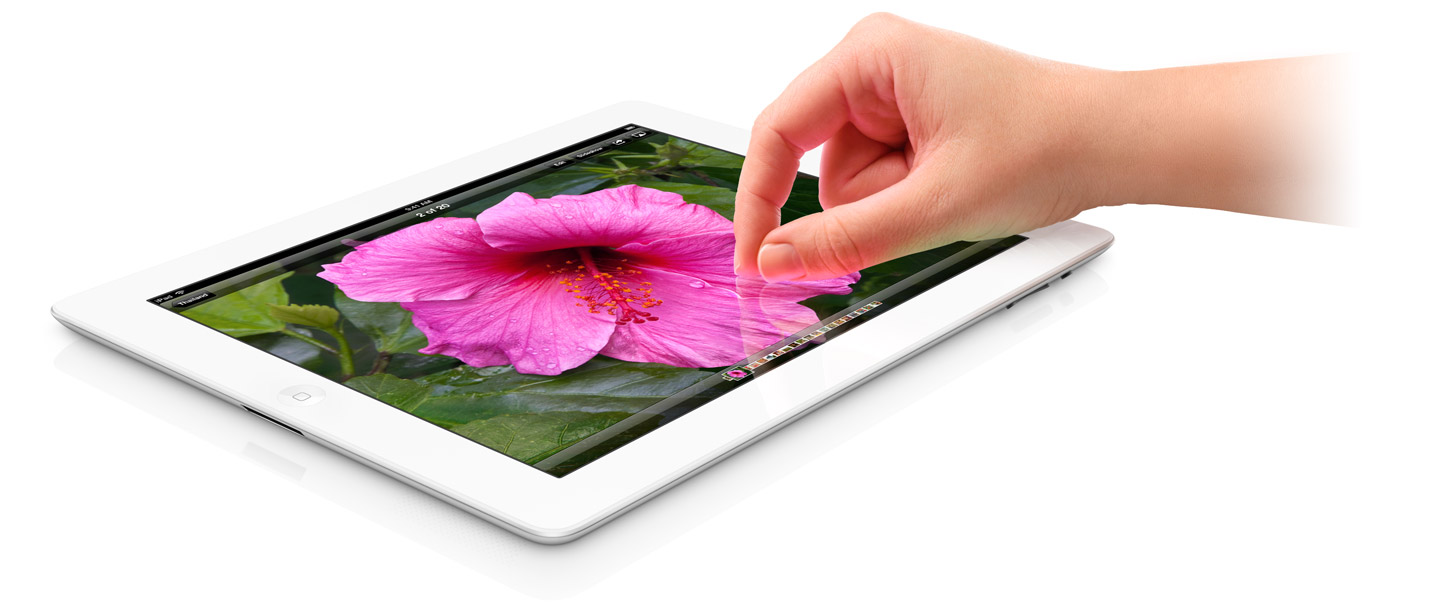
After much speculation, Apple has announced the new iPad (yes, that’s how it’s called). Highlights are:

  1. Retina display – 2048×1536, double the previous iPad
  2. A5X quad core graphics processor
  3. 5-megapixel camera with f/2.4 aperture lens, AF, BSI sensor, IR filter
  4. 1080p video capture
  5. LTE – up to 73 Mbps, up to 42 Mbps with DC-HSDPA and up to 21.1 Mbps with HSPA+

No word on the RAM and processor speed but they’re likely bumped up in order to accommodate the graphics and business use positioning.